2026-2027 Augusta University Catalog 2026-2027 Augusta University Catalog |
|
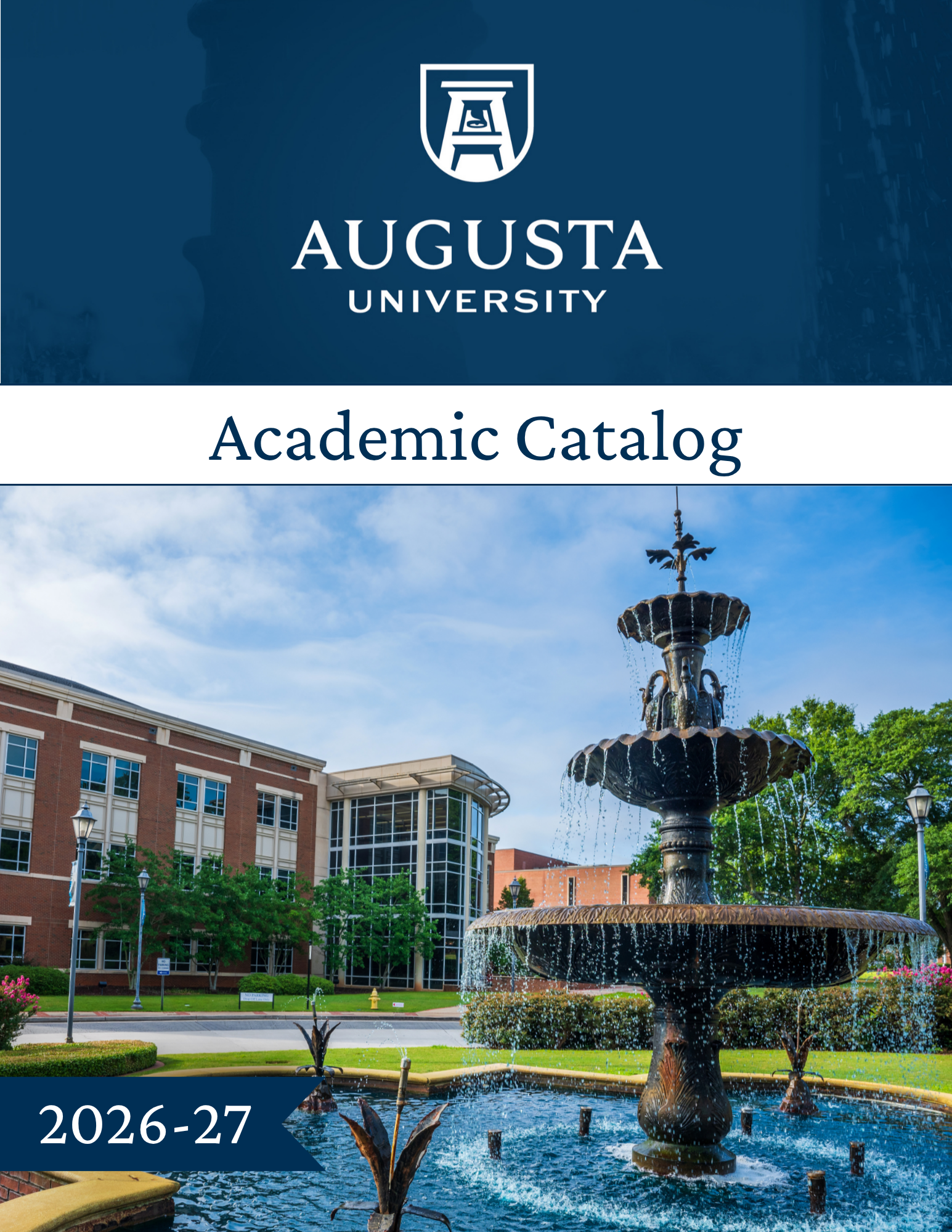
The Augusta University online catalog serves as the official source for academic programs, courses, and policies. Students are encouraged to use the catalog as a key resource for planning their academic journey and ensuring a clear path to graduation.
Choose AU
At Augusta University, you’ll find a community that inspires growth, discovery, and success. Through life-changing and life-saving education, hands-on learning, and more than 150 programs of study, you’ll gain the knowledge and skills to make a meaningful impact in your career and community. With world-class faculty, innovative facilities, and opportunities that extend beyond the classroom, Augusta University empowers you to build the future you envision and become the person you aspire to be. Augusta University delivers an education that doesn’t just inform – it transforms. One that equips students from every background for lifelong success, with the tools to thrive, to belong, and to lead.
Find Your Path
From health sciences and cybersecurity to animation and the arts, Augusta University offers programs that turn ambition into opportunity. As a nationally recognized leader in medical, dental, and health sciences education and a thriving research university, we equip students with the knowledge, skills, and experiences to make an impact in their chosen fields.
How to Navigate the Catalog
The catalog menu provides easy access to key information:
- Academic Regulations : Find policies and procedures such as graduation requirements, course repeat policies, grading, registration, and withdrawal processes.
- Programs : Browse all undergraduate and graduate degree programs, certificates, and non-degree offerings.
- Colleges/Schools and Departments : Access detailed information about colleges, schools, departments, and the programs they offer.
- Archived Catalogs: Use the dropdown menu in the upper-right corner or the Archived Catalogs link to view previous editions.
- Catalog Search: Quickly locate specific topics using the search box in the upper-left corner.
- Bookmarks: Save and organize your favorite pages for easy reference using the Catalog Bookmarks feature, accessible in the left navigation menu. A User Guide is available for reference.
[Website URLs listed in the Catalogs are provided for reference purposes only. Please note that URLs are not routinely updated with each publication of the Catalog and may change over time. For the most current information, please visit the university’s official website or contact the relevant department directly.]
Additional Resources
- PDF Downloads: Download a complete PDF version of the catalog under the Downloads section in the left navigation menu.
|